Simple Budget
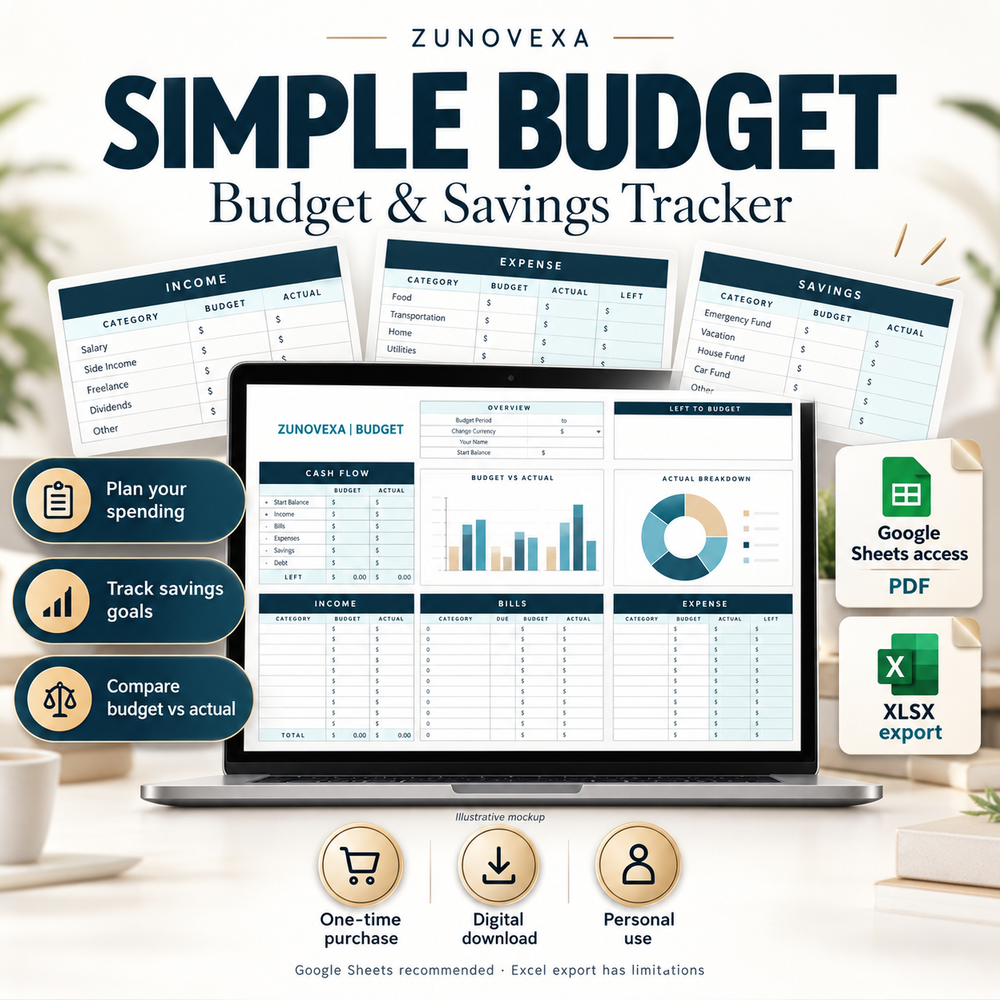
Google Sheets access PDF and XLSX export. Google Sheets is recommended.

A practical Google Sheets template to organize income, everyday expenses and savings goals.
One-time purchase · Digital download · Personal use
Compare the two trackersGoogle Sheets recommended. Free Google account required.
Includes an access PDF and an XLSX export. Some exported functions do not work in Excel.
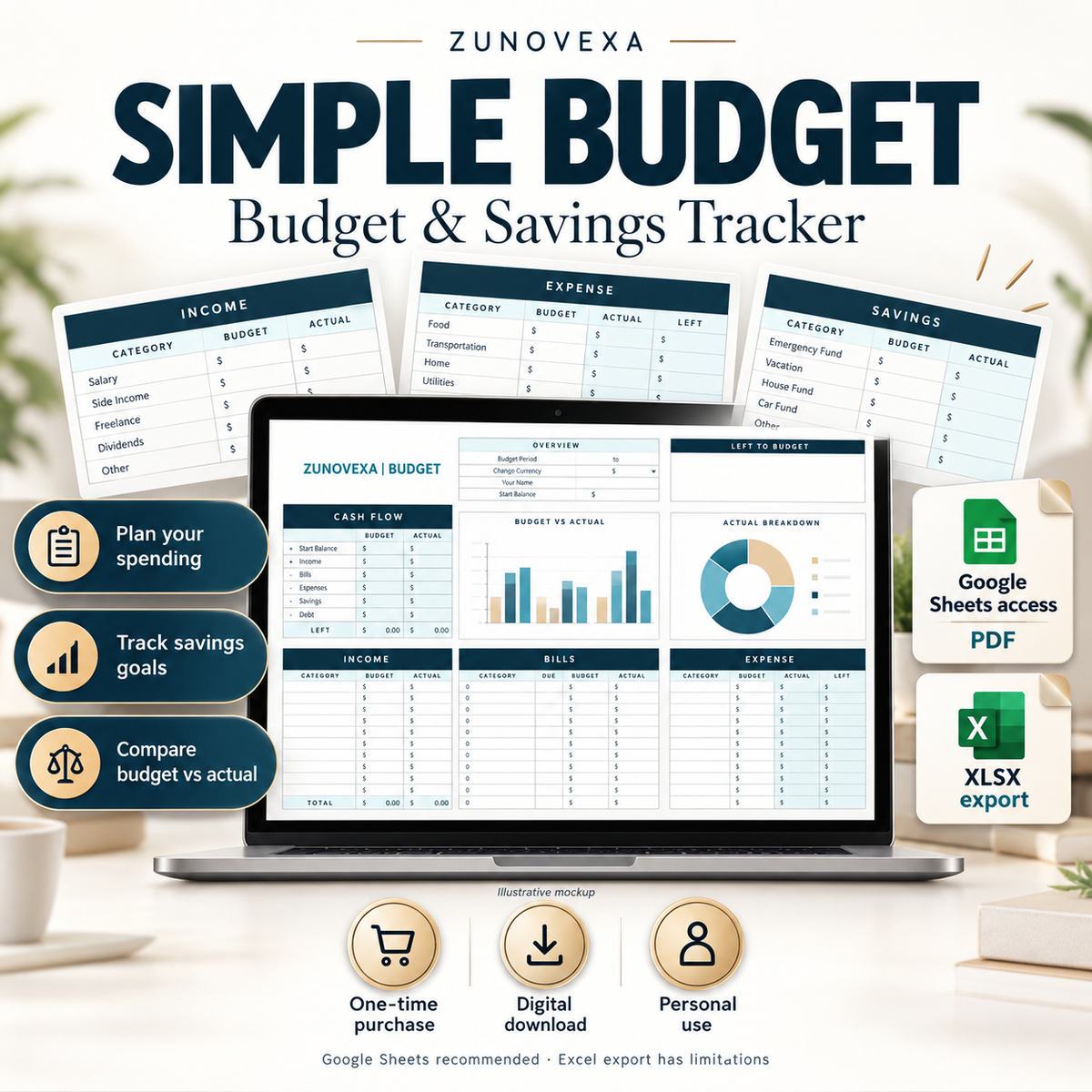
Discover each tracker and the files included. Select a product to see its detailed workbook previews.
Google Sheets access PDF and XLSX export. Google Sheets is recommended.

Excel XLSX workbook and PDF guide.
Compare the purpose, files and software before purchasing.
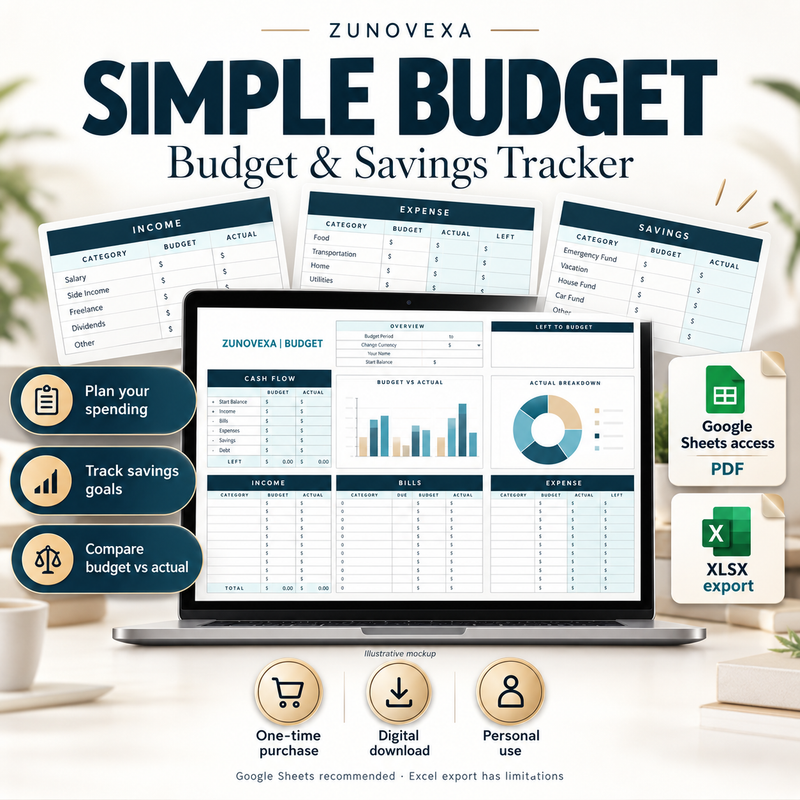
For income, expenses and savings goals in Google Sheets.

For a monthly plan in an XLSX workbook, with setup instructions included.
Income arrives. Bills are due. Small purchases add up. Bring your planned amounts and actual spending into one place so you can review the month with more context.
Choose a spreadsheet routine you can maintain: enter your numbers, review your categories and decide what to adjust.
Find your tracker
Three habits that make your spreadsheet useful.
Set amounts for bills, everyday spending and savings before entering transactions.
Record your expenses as you go so your review reflects the numbers you enter.
Compare planned and actual amounts, then adjust your next budget.
Record your income and compare it with your plan.
Keep recurring payments visible alongside everyday spending.
Track spending by category and review the totals.
Include savings in your budget rather than treating them as an afterthought.
Record payments as part of your monthly outgoings.
See how your entered numbers compare with planned amounts.

Simple Budget includes a separate Goal Tracker alongside its Budget tab. Use your personal copy to keep savings targets close to your everyday plan.
Google Sheets is recommended for the complete experience. The XLSX export has compatibility limitations.
Explore Simple BudgetStart with your month and opening balance, then enter planned amounts and actual income, bills, expenses, savings and debt payments.
Follow the READ ME (SETUP) tab and keep formula cells intact.
Explore Monthly Budget
A computer is recommended for setting up and viewing the full spreadsheet layout.
Open the access PDF, follow the template link and make your own copy with a free Google account.
After setup, you can update your copy in the Google Sheets phone or tablet app. Small screens may require zooming.
Open the supplied XLSX workbook and read the setup tab before entering data.
Other spreadsheet apps may change the layout, dropdowns or visual elements. Review the product compatibility notes.
Set your dates, currency symbol and categories to reflect how you manage money. Changing a currency symbol does not convert amounts.
Choose the dates or month you want to review.
Organize spending around the labels that make sense to you.
Use the intended input cells and keep an original copy of the file.
A digital purchase for personal use, delivered after payment is confirmed.
A computer is recommended for the initial setup.
Review the previews, files and compatibility of your chosen tracker.
After payment is confirmed, use the download links for your order. Check your email and spam folder.
Simple Budget: open the PDF and make a Google Sheets copy. Monthly Budget: follow the workbook's READ ME (SETUP) tab.
Zunovexa offers digital templates for recording spending, reviewing a monthly plan and keeping savings goals visible. You enter your own numbers and choose the routine that works for you.
Inspect the actual workbook layouts and check which software your tracker needs.
No bank connection is required. Your tracker uses the information you enter.
Contact us with your order number and product name if you need help downloading your purchase.
Contact supportFiles, software, delivery and support explained.
Simple Budget includes a Google Sheets access PDF and XLSX export. Monthly Budget includes an XLSX workbook and PDF guide. Each purchase includes two files; no physical item is shipped.
Use Google Sheets for the complete Simple Budget experience. A free Google account is required; the XLSX export has limitations. Monthly Budget is supplied as an XLSX workbook for Microsoft Excel, with setup guidance. Review its compatibility notes before buying.
A computer is recommended for setup and viewing the full layout. Simple Budget can be updated in the Google Sheets app after setup. Small screens may require scrolling and zooming.
Files become available after payment is confirmed. Keep the order email and check spam if a download message is missing. Contact us with your order number if you need access help.
No. Each tracker is a one-time purchase for personal use. Any required third-party software or account is separate.
You can customize the currency symbol and categories. Changing the symbol does not convert amounts between currencies.
Contact us for help or a replacement. If a technical problem with the supplied file cannot be resolved, our refund policy provides a refund for the affected purchase.
Read the refund policyChoose the tracker that fits your software and routine.
Choose your tracker